Real inventory management that syncs with Xero
Xero handles your accounts. Celerp handles everything else - multi-location stock, purchase orders, manufacturing, and barcode scanning - all synced back to Xero automatically.
Free, with open-source modules. Connect sync from $29/mo.
What Xero's inventory can't do
Xero is great for accounting. It was not built to manage inventory.
No multi-location tracking
Xero tracks stock as a single number. If you have multiple warehouses or shop locations, you are guessing. Celerp tracks per-location with real-time visibility.
No purchase orders
Xero has basic bill entry but no purchase order workflow. Celerp generates POs, tracks deliveries, and updates stock on arrival.
No manufacturing or BOM
If you assemble or manufacture products, Xero cannot track bills of materials or production runs. Celerp handles full manufacturing workflows.
Limited reporting
Xero shows financial data. Celerp adds inventory-specific reports: stock valuation, turnover, dead stock, and per-location breakdowns.
Connect Celerp to Xero in 3 steps
Download and install Celerp
pip install celerp or download the desktop app for Mac, Windows, or Linux. Takes under 2 minutes.
Connect to Xero
In Celerp, go to Settings - Connectors - Xero. Click Connect Xero and authorize on Xero's website. Your contacts, items, and invoices sync.
Your inventory stays in sync
Every stock movement in Celerp updates Xero. Bank transactions sync for reconciliation. Your records stay consistent.
How to migrate from Xero to Celerp
Celerp reads the files Xero's own export menus write.
Export your books from Xero
Export the chart of accounts with archived accounts, contacts, inventory items, invoices and bills, the General Ledger, a Trial Balance for each financial year with a column for every month end, and the Aged Receivables and Aged Payables Detail reports as at the last day of the ledger. Celerp lists each file and the Xero menu it comes from.
Upload them to Celerp
Install Celerp, choose Move your books from another system, pick Xero as your current system and add the files, one at a time or as one zip. Each file is checked when you add it.
See what comes across
Before anything is imported, Celerp lists every kind of record in your file or files and shows what comes across, what comes across in part, and what it cannot bring over yet.
Choose full history or a cutover date
Full history recreates every transaction. Cutover starts from a date you choose: balances on that date become opening balances, and open invoices, bills and stock are recreated.
Check the results
Celerp compares its totals with the totals in your file or files and shows any difference. Download the reconciliation pack for your records or your accountant.
Files attached to invoices, bills and credit notes are not in Xero's export. Once the import finishes, Celerp can sign in to Xero, read those files and attach them to the same documents, without changing anything in Xero. Fetching them needs a free Celerp account.
What moves from Xero
Celerp shows this for your own file before you import anything.
Comes across
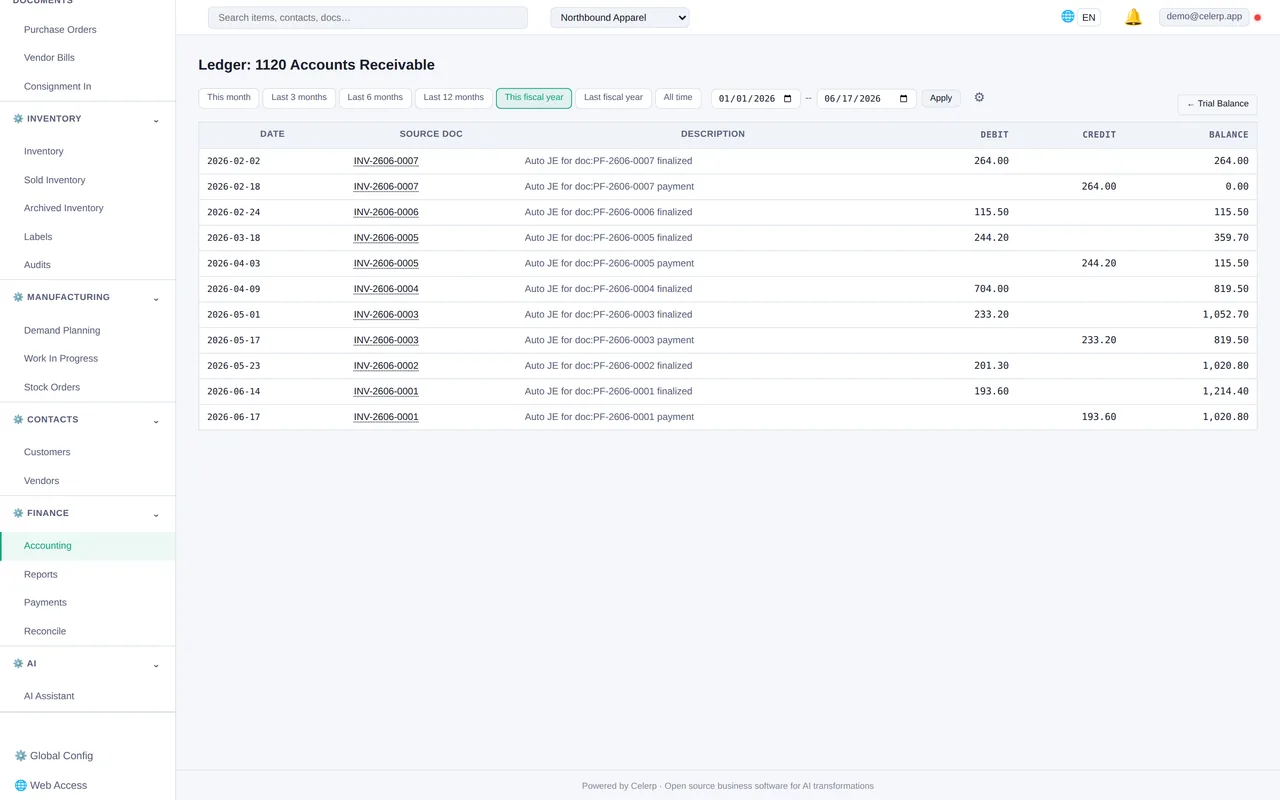
Chart of accounts, contacts, inventory items, tax rates, invoices, bills and credit notes with the payments against them, and the journals in the General Ledger. Draft invoices and bills come across as drafts, and voided ones as void. Invoice and bill lines keep their tracking options; journal lines do not.
Checked against your file
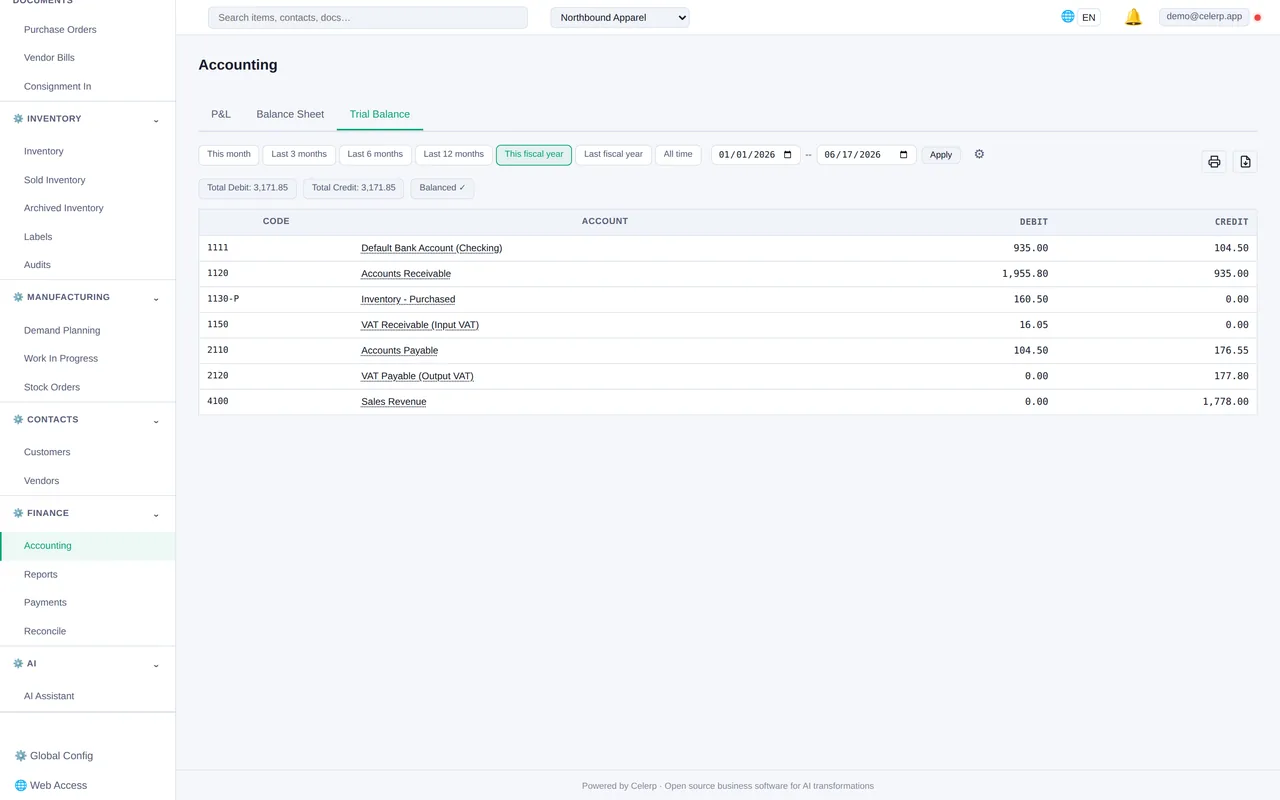
The trial balance at every month end, each customer's and supplier's balance, and each invoice's and bill's total, status and amount due. Each is compared with the figures in your Xero files.
Listed, not moved
Deleted invoices and bills are counted and listed, not imported. Quotes and purchase orders are not in the files Celerp asks for, so recreate the ones you still need.
Not supported yet
Stock quantities on hand are not imported: count your stock in Celerp after the import. Celerp does not report by tracking options.
Staying in step with Xero
Two-way sync keeps your back office and accounting always in agreement.
Xero contacts sync to Celerp CRM. Track order history, lifetime value, and communication.
Celerp invoices push to Xero automatically. Purchase bills sync on receive. COGS is recorded per transaction.
Bank feeds pull into Celerp for reconciliation. Match transactions to invoices and bills.
Products sync between systems. Celerp manages stock levels; Xero sees the financial impact.
What you get beyond Xero inventory
Celerp is a full ERP, not just a sync app. Everything Xero leaves out is included.
- ✓ Multi-location inventory management
- ✓ Manufacturing and bill of materials (BOM)
- ✓ Lot tracking and batch numbers
- ✓ Expiration date tracking (FEFO)
- ✓ FIFO / FEFO costing
- ✓ Purchase orders and supplier management
- ✓ Full double-entry accounting
- ✓ Barcode scanning
- ✓ Invoicing and PDF documents
- ✓ AI operator for back-office queries
Celerp vs Xero inventory add-ons
| Feature | Celerp | Cin7 | Unleashed | DEAR |
|---|---|---|---|---|
| Monthly cost | ✓ $29/mo relay | $349/mo | $299/mo | $249/mo |
| Multi-location inventory | ✓ | ✓ | ✓ | ✓ |
| Manufacturing / BOM | ✓ | ✓ | ✗ | ✓ |
| Built-in accounting | ✓ | ✗ | ✗ | ✗ |
| Barcode scanning | ✓ | ✓ | ✓ | ✓ |
| Self-hosted / data ownership | ✓ | ✗ | ✗ | ✗ |
| Open-source modules | ✓ | ✗ | ✗ | ✗ |
One plan. Everything included.
The Celerp desktop app is free forever. The Connect plan ($29/mo) adds Xero sync, encrypted backups, and your public relay URL.
Xero sync connector - Encrypted backup - Remote access - 14-day free trial
Start free 14-day trial14-day free trial. No credit card required. Cancel anytime.
The Celerp desktop app is always free. The Connect plan is required for Xero sync.
Frequently asked questions
Is Celerp really free?
Yes. The Celerp desktop app is free, with a source-available core and open-source modules. The Connect plan ($29/mo) adds Xero syncing, encrypted backups, and secure access from anywhere for you and your team.
Will this slow down Xero?
No. Celerp runs on your machine, not in Xero. Sync happens via API in the background. Your Xero performance is unaffected.
Where does my data live?
On your machine. Celerp is self-hosted. Your inventory, orders, and accounting data never touch our servers unless you enable encrypted backup (encrypted with your key).
What happens if I cancel Connect?
Your Celerp keeps running exactly as before. You lose Xero syncing, encrypted backup, and remote access. Your data stays yours - export it or keep using Celerp offline.
Can I use Celerp without Xero?
Yes. Celerp is a full ERP with built-in accounting. The Xero connector is optional - use Celerp standalone or connect it later.
Can I bring over my historical data when I switch from Xero?
Yes. Moving from Xero works like any import: preview what comes across, pick full history or a cutover date, then check the results against your old file.
Your Xero account deserves real inventory management.
The Celerp app is free, with a source-available core and open-source modules. The Xero sync connector runs through the Celerp relay at $29/mo - a fraction of what Cin7 ($349/mo) or Unleashed ($299/mo) charges.
14-day free trial - Open-source modules - Cancel anytime